A different app for each job
One for drawing, one for painting, one for photo editing, one for vector. Every image bounces between all four, with an export and a re-import at each step.
Software for Windows 10 and 11 and for Mac · developed by FFSMC
No more switching between apps: draw, paint, edit a photo and trace a vector shape on the same document, without ever exporting or re-importing. The tools are the ones professionals use, it's quick to learn, and the price stays very affordable.
Edit a photo, add a vector trace, paint over it again: the lines between these ways of doing graphic work have disappeared.
During the trial, every feature is unlocked, including vector and the team edition. · Starting at €48.30 lifetime license, 1 computer

One for drawing, one for painting, one for photo editing, one for vector. Every image bounces between all four, with an export and a re-import at each step.
Between licenses and the monthly subscriptions of the big publishers, the bill climbs fast for occasional use, and the total starts over every year.
Professional software can do everything, but it takes months to find your way around. Most people give up before finding the right button.
Drawing, painting, photo editing and vector: four jobs in one piece of software, that truly mix on the same document. Every button has its own tooltip, and the F1 key opens the built-in help.
All-in-one
Grafusio Lab brings together in one piece of software what Paint Shop Pro, Photoshop, Illustrator and Krita each do separately. You open a photo, edit it, add a vector trace on top, paint over it by hand: everything stays in the same file, start to finish.
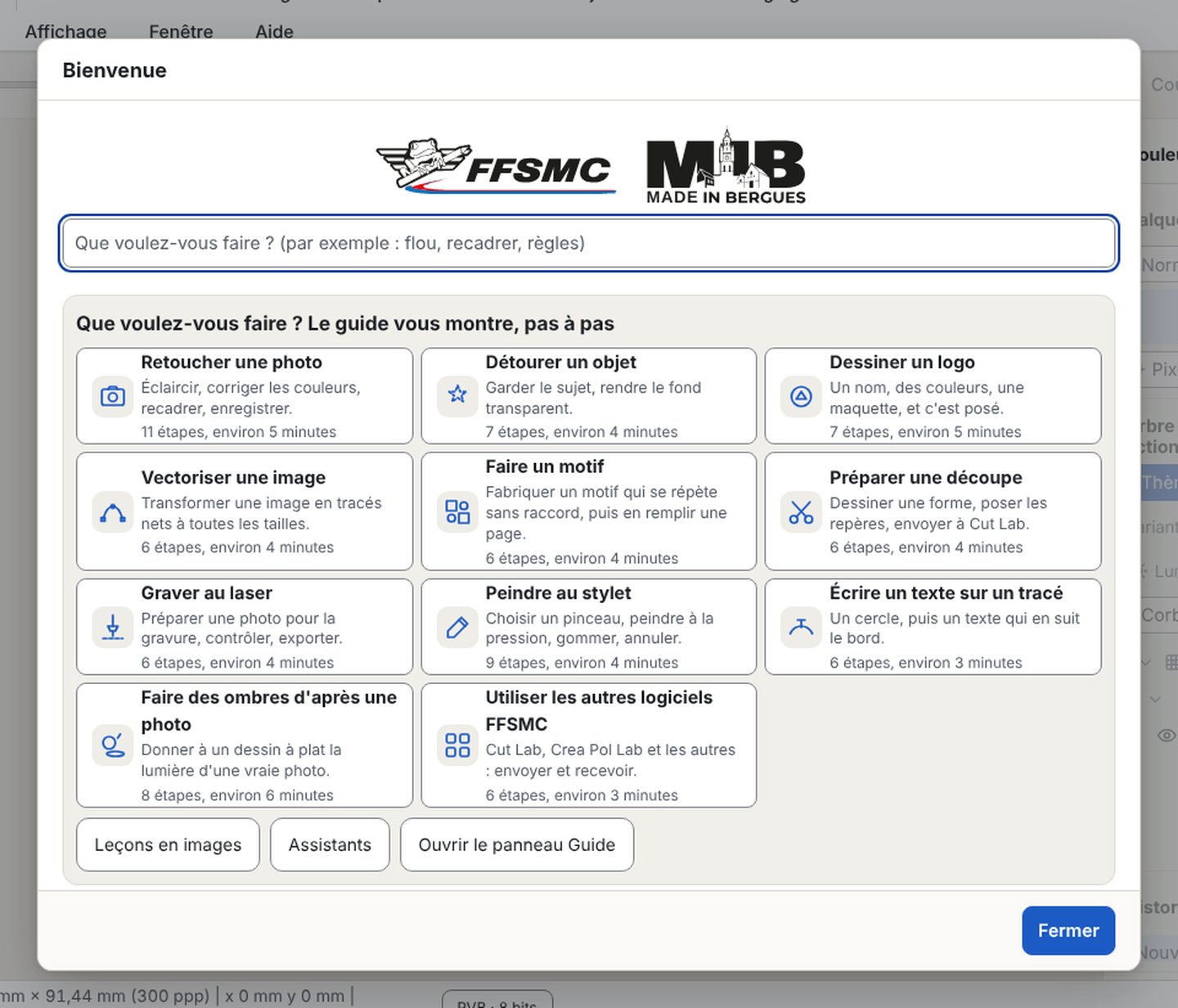
The home screen offers a new document, a photo to open, or a ready-made template, with your most recent files one click away.
In every edition
Drawing
Shapes, pen tool and paths, shape gradients, boolean operations between shapes (union, subtract, intersect), alignment and distribution: the vector tools match a professional drawing app, with an operations panel that previews the result before you confirm.
Text converts to editable paths, patterns paint along a path, and graphic styles apply and copy from one object to another in a click.
In every edition

Painting
Brush, pencil, airbrush, pattern or texture bucket: every tool responds to the pen's pressure, tilt and speed. Drawing symmetries (mirror, rosette, kaleidoscope) and perspective guides help get a drawing right the first time.
An articulated pose mannequin serves as a reference for building a character, and the lighting studio offers classic setups (Rembrandt and others) to think through the light before painting.
In every edition

Photo editing
Crop, straighten, fix light and contrast: the Essential edition already covers everyday touch-ups. The Complete edition adds RAW development, non-destructive adjustment layers (levels, curves, color balance) and automatic photo correction.
Background removal recognizes the subject on its own, even against a blurred background, and a healing tool removes small flaws without leaving a trace.
Essential: everyday touch-ups · Complete: full development and advanced adjustments

Vector
Vectorize the whole image, a selection, or a painted area, with a precision setting: color plans, line-art plans and architectural plans each have their own ready-made setting, and so do badges (circles, crests, simple shapes).
For very fine vectorization (model-building plans, decals, architecture), Grafusio Lab hands the document to FFSMC VectoScan Lab, built for exactly that, then brings the result straight back into the document.
In every edition

Smart selection
A "Select subject" button, and the software's built-in intelligence immediately suggests the areas it found: the subject, the background, people, vehicles or the sky, each selectable in one click.
The selection can then be refined by hand, turned into a mask or a vector path, and works just as well for cutting out a photo as for repainting only the sky of a landscape.
Complete and Studio

Library
The library keeps saved snapshots, created or imported patterns, scene backgrounds and staged settings. A snapshot can be restored at any time without losing the work done since, and the action tree lets you go back to an earlier step without erasing later ones.
Fonts installed on the computer, and those from FFSMC Crea Pol Lab, can be used directly in text, without ever leaving Grafusio Lab.
In every edition

Graphics tablet
Pressure, tilt, pen rotation: tablet settings take three strokes with the built-in assistant, no digging through menus. The tablet's express keys show on screen as large buttons, so you can find them without looking at the keyboard.
Brushes can be adjusted, saved and shared, and brushes imported from other software keep their texture.
In every edition

Logo and brand identity
A dedicated workshop guides logo creation, from sketch to full brand kit: colors, fonts and variants then carry over to other documents in a click, with a preview on light and dark backgrounds before exporting.
The logo saves separately, in every useful format (vector, transparent PNG, icon), ready to reuse without opening another app.
Complete and Studio

Screenshots of the software as you'll install it, version 5.0.2. Click to enlarge.
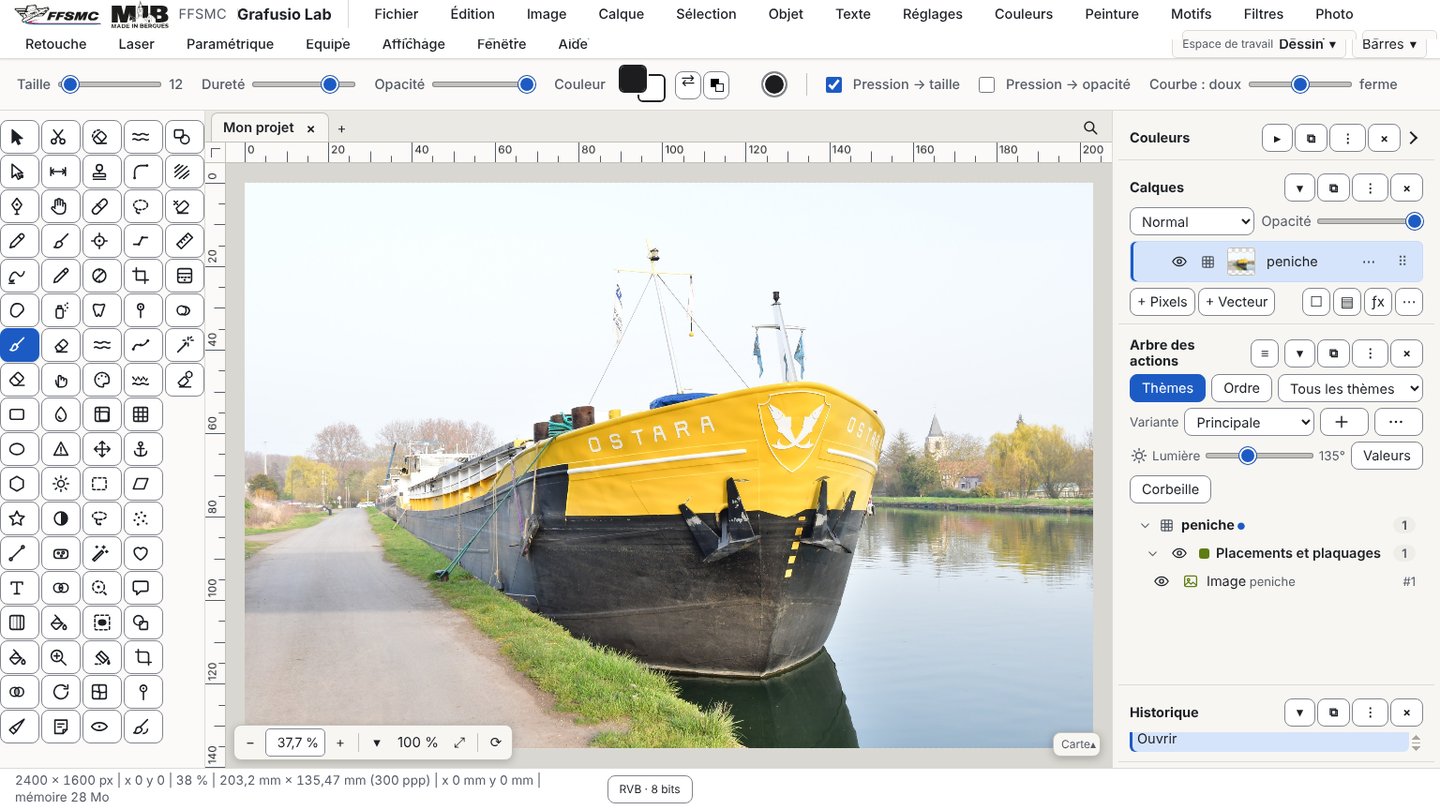
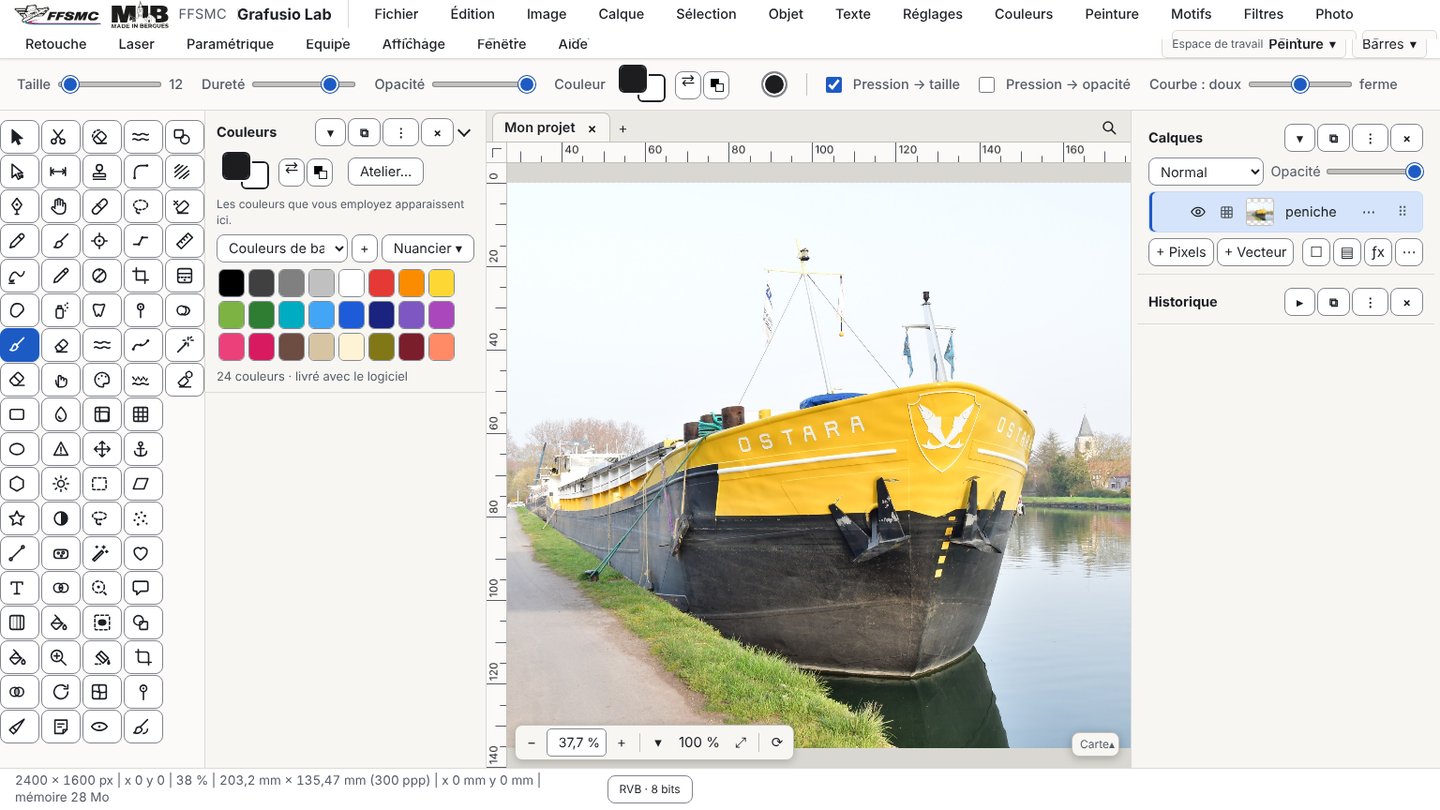
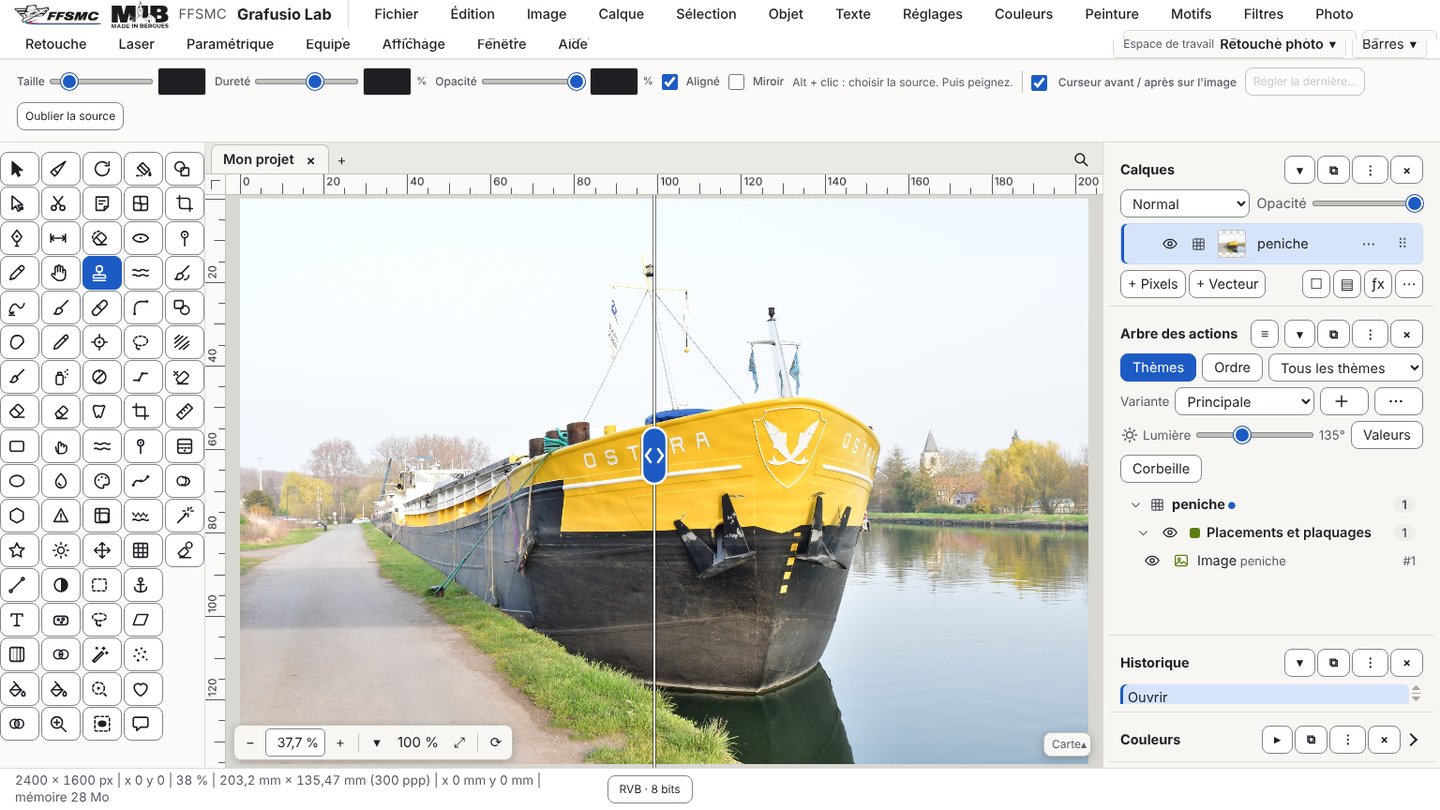
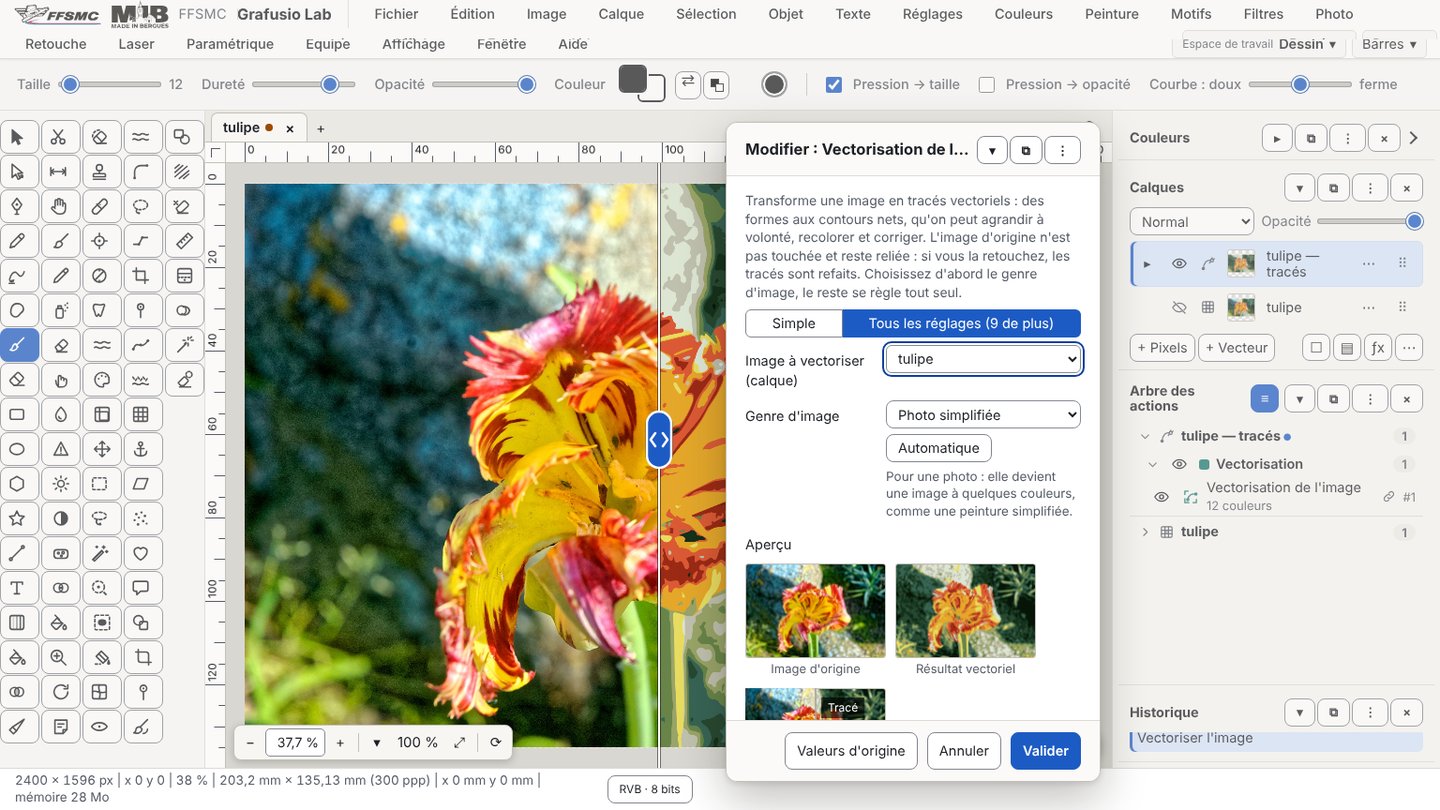
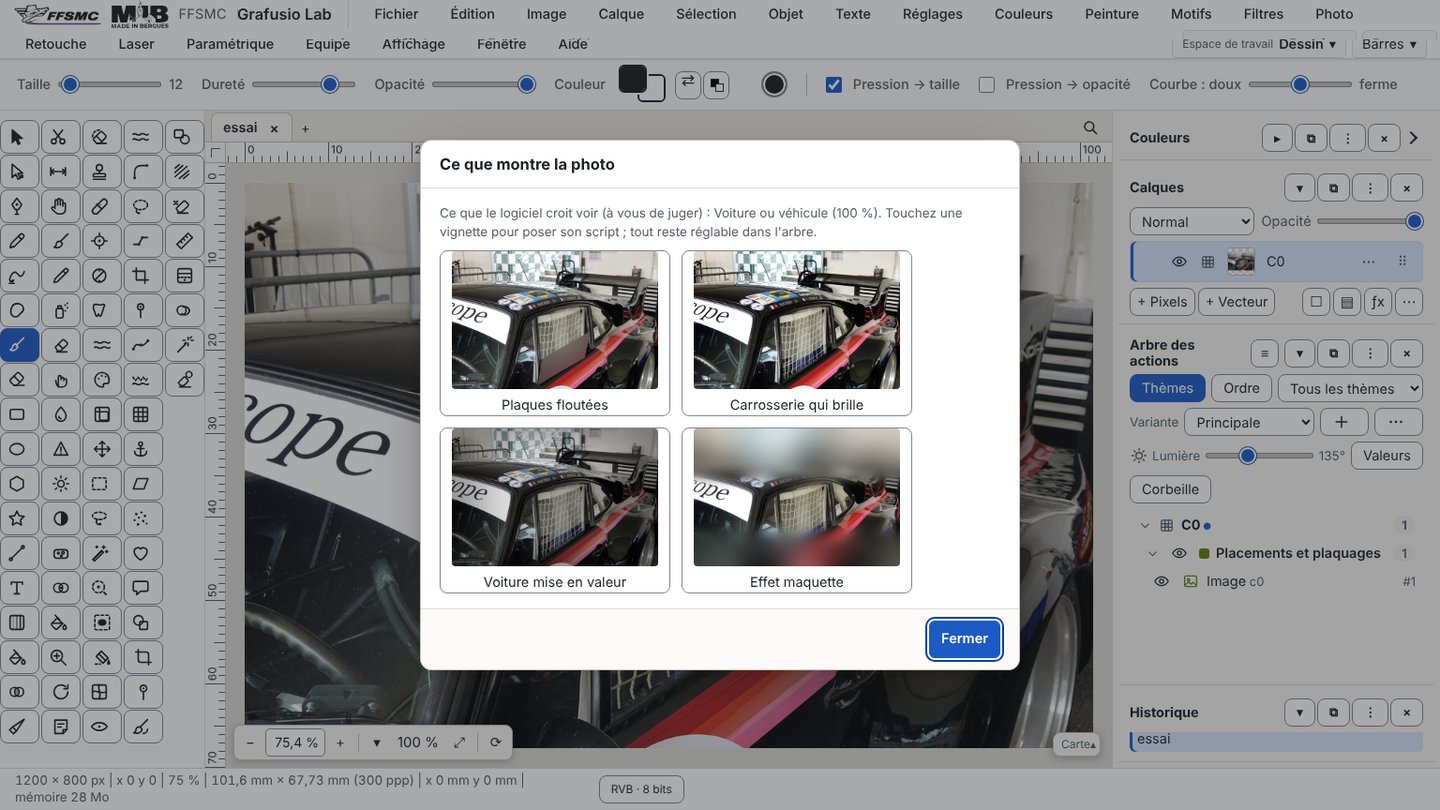
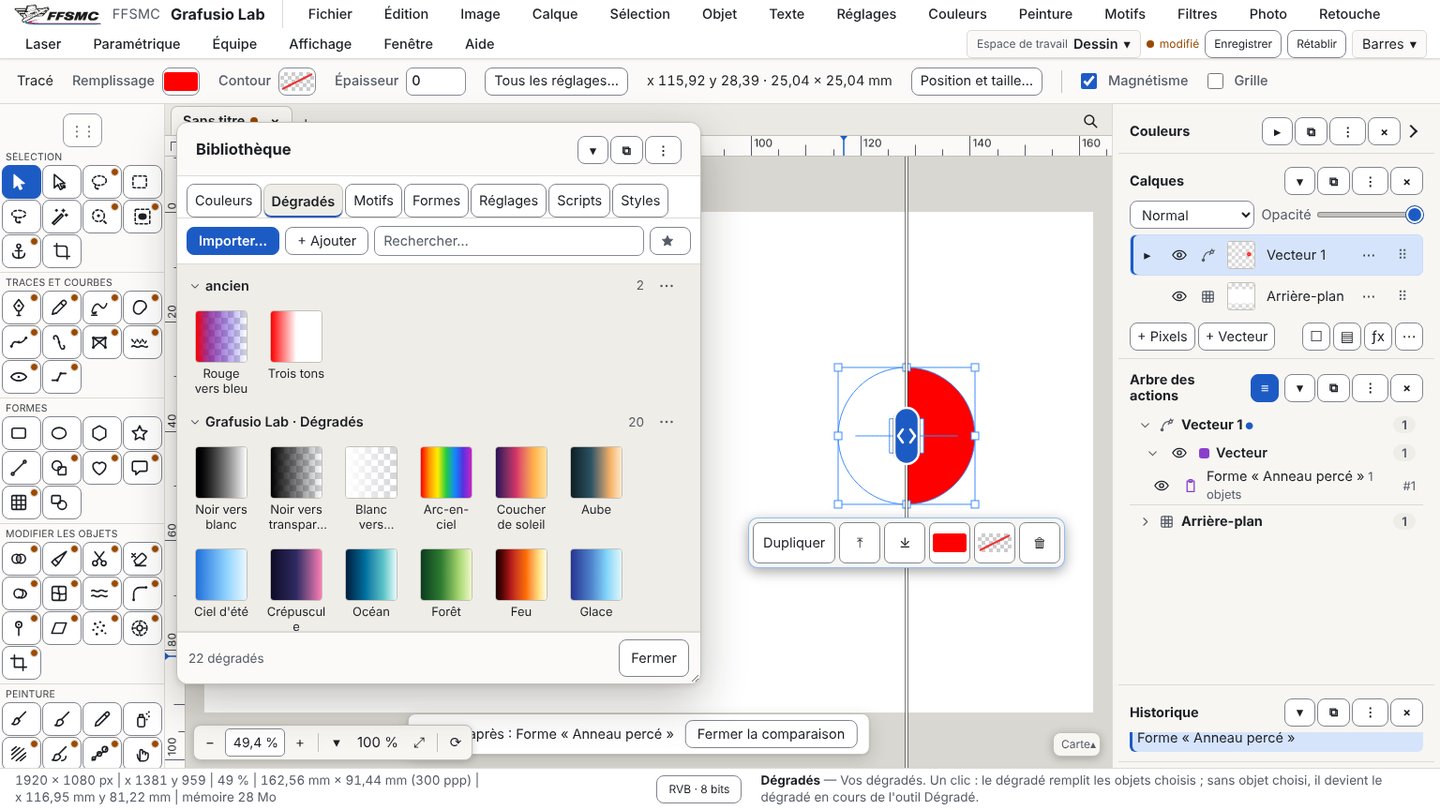
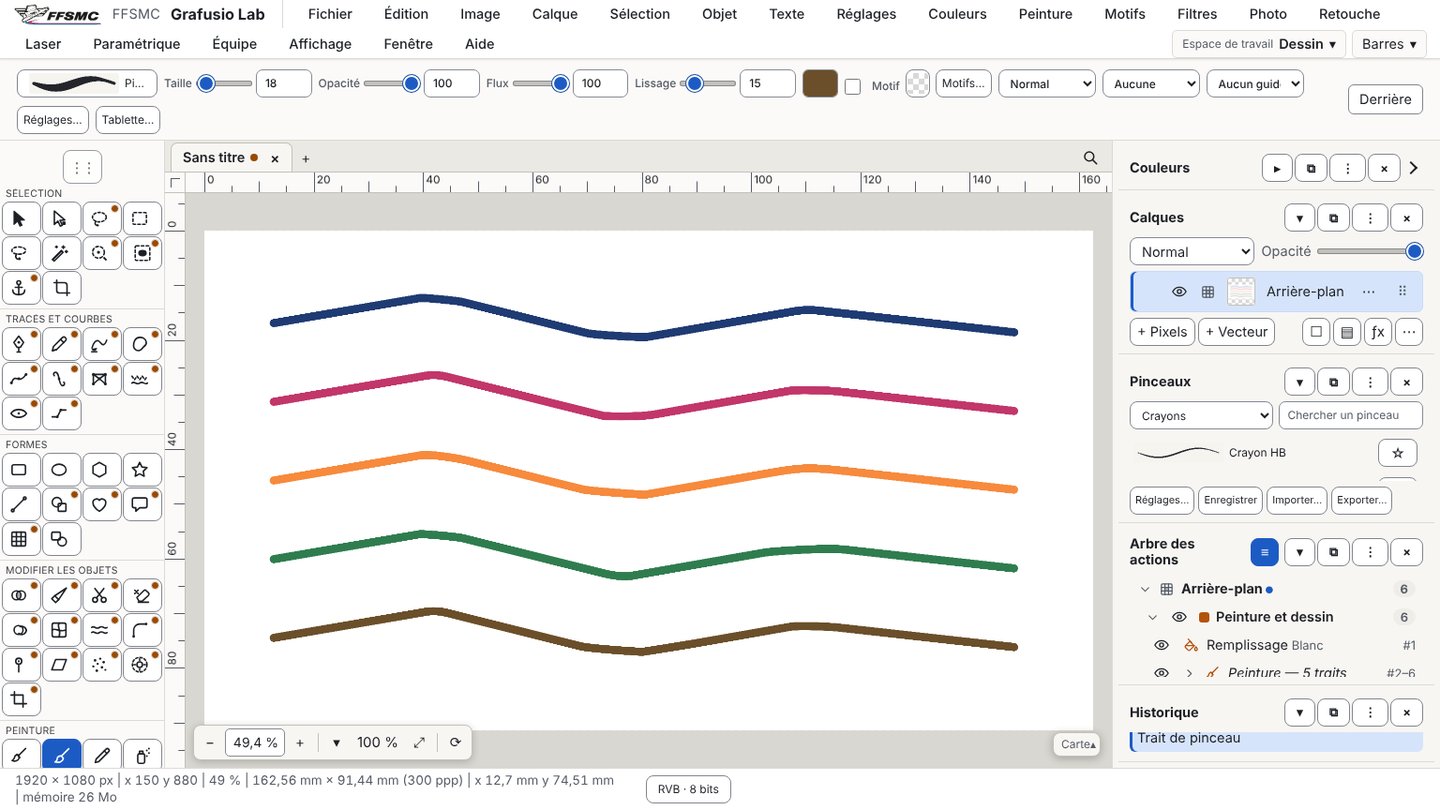
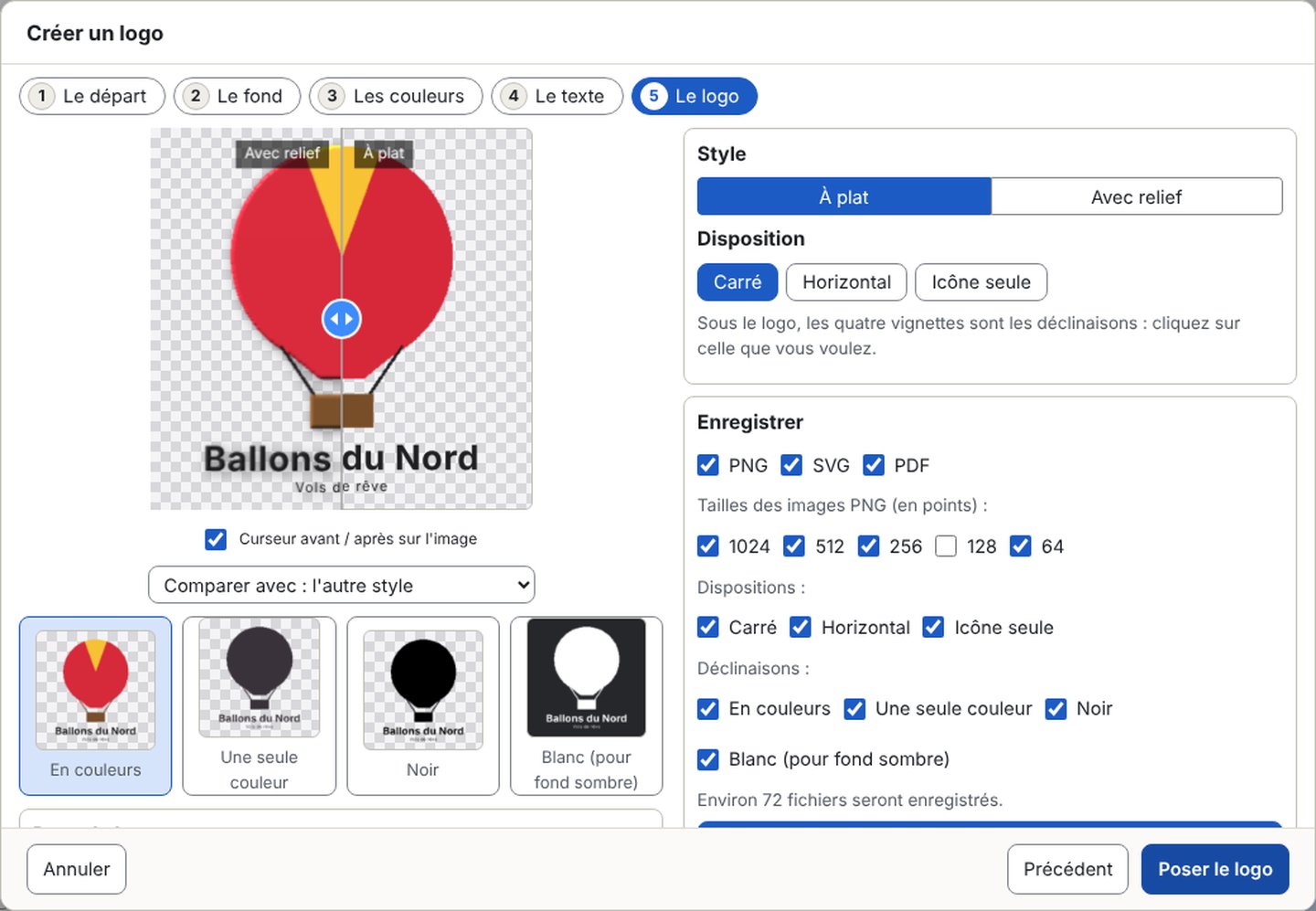
Software that blends several jobs together has to stay predictable at every step. Grafusio Lab keeps you in control of every action.
A saved snapshot can be restored at any time, and the action tree keeps every step without erasing the ones that came after.
Adjustment layers, masks and styles never destroy the original pixels: an edit can always be corrected or undone.
A step in the action tree can be turned off or removed without touching the others, and a before/after slider compares the result in one gesture.
Your documents, logos and templates remain yours, saved on your own computer, with no mandatory online account.
Each edition includes everything in the one before it. The Essential and Complete editions are a one-time purchase, no subscription; the Studio edition is an annual license for a small team.
Draw, paint and edit photos day to day. Lifetime license, 1 computer.
€48.30 updates included for one year
To get started with everyday tools: drawing, painting and common touch-ups.
Recommended
All of Grafusio Lab, vector and advanced editing included. Lifetime license, 1 computer.
€104.30 updates included for one year
The edition we recommend: masks, RAW development and logo creation quickly make a difference.
Everything in Complete, across 3 computers. One-year license, renewable.
€188.30 updates included for one year
For a studio, an association, or a small team: three computers, one license, working together.
The Essential and Complete editions are lifetime licenses for one computer. The Studio edition is a one-year license for three computers, renewable at the same price; an extra seat is added separately. For the Essential and Complete editions, nothing stops after a year: the license is for life, only the updates included with the purchase come to an end. The Studio edition renews every year, like the extra seat. To go from Essential to Complete, you only pay the difference, which is 80 €.
| Feature | Essential | Complete | Studio |
|---|---|---|---|
| Vector drawing: shapes, pen tool and paths | |||
| Painting: pressure-sensitive brushes, symmetries | |||
| Everyday editing: crop, straighten, light, contrast | |||
| Built-in image vectorization with ready-made settings | |||
| Simple layers and basic selections | |||
| Graphics tablet and pen support | |||
| Library: snapshots, patterns, scene backgrounds | |||
| No watermark, no size limit | |||
| Masks and layer styles | — | ||
| Automatic selection of subject, sky, background | — | ||
| Cutout, advanced pen tool and paths | — | ||
| RAW development and advanced editing | — | ||
| Artistic filters | — | ||
| Photo library and advanced text | — | ||
| Logo creation and brand kit | — | ||
| Works with other FFSMC software (VectoScan, Crea Pol) | — | ||
| Three computers with a single license | — | — | |
| Remote collaboration, local network and Internet | — | — | |
| "Who did what" with several people on one computer | — | — | |
| Edition | €48.30 | €104.30 | €188.30 |
Grafusio Lab doesn’t replace one program, it replaces several: what Photoshop, Illustrator, Paint Shop Pro, Krita and Lightroom each do on their own, brought together in one document, plus things none of them do. Here are the differences, plainly.
| Grafusio Lab | Photoshop + Illustrator | Affinity | Paint Shop Pro | Krita | |
|---|---|---|---|---|---|
| Price | Lifetime licence (Essential or Complete) | Subscription: from €62.47 a month in France for a plan that includes both | Free, Canva account required, AI features paid | One-off purchase | Free |
| Windows and Mac | Windows only | ||||
| Photo editing and RAW photos | Basic editing | ||||
| Painting with a stylus (pressure, tilt) | Photoshop | ||||
| Full vector drawing | Illustrator, separately | Basic | Basic | ||
| Photo, painting and vector in the same document | Two separate programs | Partly | Partly | ||
| Change an old step: everything after it is recalculated | Yes, with the parametric tree | — | — | — | — |
| Send straight to a cutting machine or a laser | With Cut Lab and laser preparation | With another publisher’s plug-in | — | — | — |
| Publisher | FFSMC (France) | Adobe (USA) | Canva (Australia) | Alludo (Canada) | Krita Foundation (Netherlands) |
Prices taken from the publishers’ websites on 25 November 2026: they may change.
Photoshop, Illustrator and Lightroom are trademarks of Adobe; Affinity is a trademark of Canva; Paint Shop Pro is a trademark of Alludo; Krita is a trademark of the Krita Foundation. Grafusio Lab is independent of these publishers.
The installer contains every edition; the license you activate determines which features are available.
A few settings and habits that save time.
Before drawing a selection by hand, try "Select subject": refining it afterward is usually faster than doing it all yourself.
Where to find it Select menu
A snapshot can be restored in one click without losing the work done since: faster than climbing the action tree to go back.
Where to find it Library panel
Converting text to an editable path lets you distort it freely while keeping crisp edges for printing.
Where to find it Text menu
Rectangular or perspective grids help keep proportions right, even when drawing with a pen and no ruler.
Where to find it View menu
What people who've used it for a while do naturally.
A document mixing drawing, painting and editing can get complex fast: naming each layer as you create it keeps you from getting lost later.
A template with the right starting settings (size, resolution, base layers) saves time on every new project of the same kind.
The vectorization precision setting changes the result a lot: a quick preview avoids having to start over.
The questions we're asked most often before people buy.
No. These are lifetime licenses, for one computer. Only the free updates are limited to the first year; the software keeps working afterward, with nothing to renew.
The Studio edition covers three computers and collaborative work on the same project, over a local network or the Internet: that's team use, which renews every year at the same price, like the extra seat added to it.
Yes, at any time, paying only the price difference between the two editions.
It adds a fourth (or fifth…) computer to a Studio license you already own. Its renewal date always follows the Studio license's own date.
Yes, the trial lasts 7 days and unlocks every feature, including the Studio edition's.
Once the license is activated, yes, for everyday use. A connection is needed for activation and, occasionally, to verify it.
For photo editing, painting and image compositing, yes: layers, masks, adjustment layers, layer styles, RAW development, subject selection, background removal, healing tools and liquify. It opens your PSDs with their layers and takes your brushes. The main difference shows on the bill: you buy it once instead of paying a monthly subscription.
The pen, compound paths, shape operations with preview, live effects, graphic styles, symbols, perspective grids, artboards and transparency flattening are all there. It opens AI, EPS and PDF files with editable text. And it adds what Illustrator lacks: painting and photo editing in the same document.
Affinity is good software, and free. Grafusio Lab stands out in other ways: no account to open with a third party, a parametric tree that recalculates what follows when you change an old step, automatic recognition that runs on your computer with no subscription, whereas Affinity’s AI features need a Canva subscription, and a direct link with the other FFSMC programs (cutting, fonts, tracing). The seven-day trial is there so you can compare on your own images.
Yes, that is where it started: the simplicity of Paint Shop Pro, with Illustrator-class vector on top. It opens your .pspimage files with their layers. And it also runs on Mac, which Paint Shop Pro doesn’t.
Grafusio Lab’s brushes respond to stylus pressure, tilt and speed, with symmetry, perspective guides, a posing mannequin and painting on imported 3D models. It opens and saves .kra files. Krita remains excellent, and free, for pure painting; Grafusio Lab adds photo editing and full vector.
For everyday development and sorting, yes: it develops raw photos from Nikon, Canon, Sony, Fujifilm, Olympus and Panasonic, and DNG, with a photo library to browse a folder as thumbnails, batch processing, watermarks and contact sheets (Complete edition).
Windows 10 and Windows 11, 64-bit, and Macs running macOS 12, Intel or Apple silicon. The same licences work on Windows and Mac.
Yes, common pen tablets are recognized, with pen pressure, tilt and rotation, plus a quick setup assistant.
Yes. Grafusio Lab opens Photoshop files (PSD and PSB) with their layers, Illustrator (AI), EPS and PDF files with their text editable if you wish, and CorelDRAW drawings (CDR) as real paths. It also reads Paint Shop Pro, Krita and GIMP files, SVG, DXF and DWG plans, camera raw photos (RAW) and phone photos (HEIC). Your Photoshop brushes (.abr), swatches (.aco, .ase) and gradients (.grd) can be brought in too. These formats are part of the Complete edition; the Essential edition reads the common formats (PNG, JPEG, WebP, PDF). Only Affinity files, whose format is closed, give nothing but their preview image: save them as PSD, PDF or SVG in Affinity.
For everyday images, Grafusio Lab vectorizes directly with its ready-made settings. For very fine technical vectorization (plans, decals), it hands off to FFSMC VectoScan Lab and brings the result back into the document.
No question matches.
Grafusio Lab is developed by FFSMC, in France, by a professional graphic designer who uses it himself every day. Support is in French and English, directly by email.